
Coach Growth Course · Day 1 · 2 min video
Set up a coach profile that wins premium clients.
Your coach profile is what prospective clients see before they pay. This guide shows how to fill it in, and how to send people to it from Instagram.
Step by step
Step 1
Open your profile
In the Trainer CB app, open Settings and tap Profile.
Step 2
Add a sharp headshot
Tap your photo, upload a clear athletic headshot and crop it so your face is centred.
Step 3
Switch to Coach Profile
At the top of the profile, switch from User Profile to Coach Profile.
Step 4
Add a cover photo
Tap Upload Cover Photo and add a branded cover image in a 16:9 shape, such as your name and niche on your brand colour.
Step 5
Show your expertise and save
Set your specialization, years of experience, weekly availability and achievements, then save your profile.
Tips
- Pick a clear niche, such as contest prep, postpartum training, combat sports conditioning or hybrid athletes. Specialists face far less price resistance than generalists.
- Use an onboarding form to collect injury history, training experience, schedule limits and eating habits before the first session.
- Write your Instagram bio in four lines: who you help and the result, your authority, a call to action such as "Apply for coaching below", and your Trainer CB coach profile link.
Video transcript
Day 1. Positioning, a high-ticket coach profile, and your Instagram funnel. Here's the truth. Clients don't pay premium prices to generalists. They pay specialists. When you pick a clear niche like contest prep, postpartum hypertrophy, combat sports conditioning, or hybrid athletes, price resistance disappears. You're no longer one of a thousand trainers. You're the coach for them. Next, the form advantage. A proper onboarding form makes you look professional from day one. Capture injury history, training experience, schedule limits, and eating habits before the first session. That prevents injuries, and it stops day one buyer's remorse. Then, the social conversion bridge. Most trainers waste their Instagram traffic on messy link trees and random DMs. An optimized bio with one direct link to your verified coach profile turns casual scrollers into qualified leads. So let's build it. Open trainer CB and tap update profile. Upload a sharp athletic headshot and crop it clean. Switch to coach profile and add a 16x9 branded cover photo. Then set your specialization, years of experience, weekly availability, and verified achievements. Now your Instagram bio. Four lines. Line 1, the hook. Who you help and the result you deliver. Line 2, authority. Your years of coaching, athlete achievements, or credentials. Line 3, the call to action. Apply for coaching below. Line 4, your trainer CB coach profile link. Your task for today. Complete and save your full trainer CB coach profile. Update your Instagram bio and add your profile link. Then drop two screenshots in the WhatsApp group. Your live trainer CB profile and your new Instagram bio. Do it today. Specialists get paid. See you on day two.
More guides
 Coach Growth Course · Course overview · 1 min videoFrom normal trainer to money-making machine in 7 days.Seven days, one topic a day: from a premium coach profile to turning trial clients into long-term ones.Watch the guide
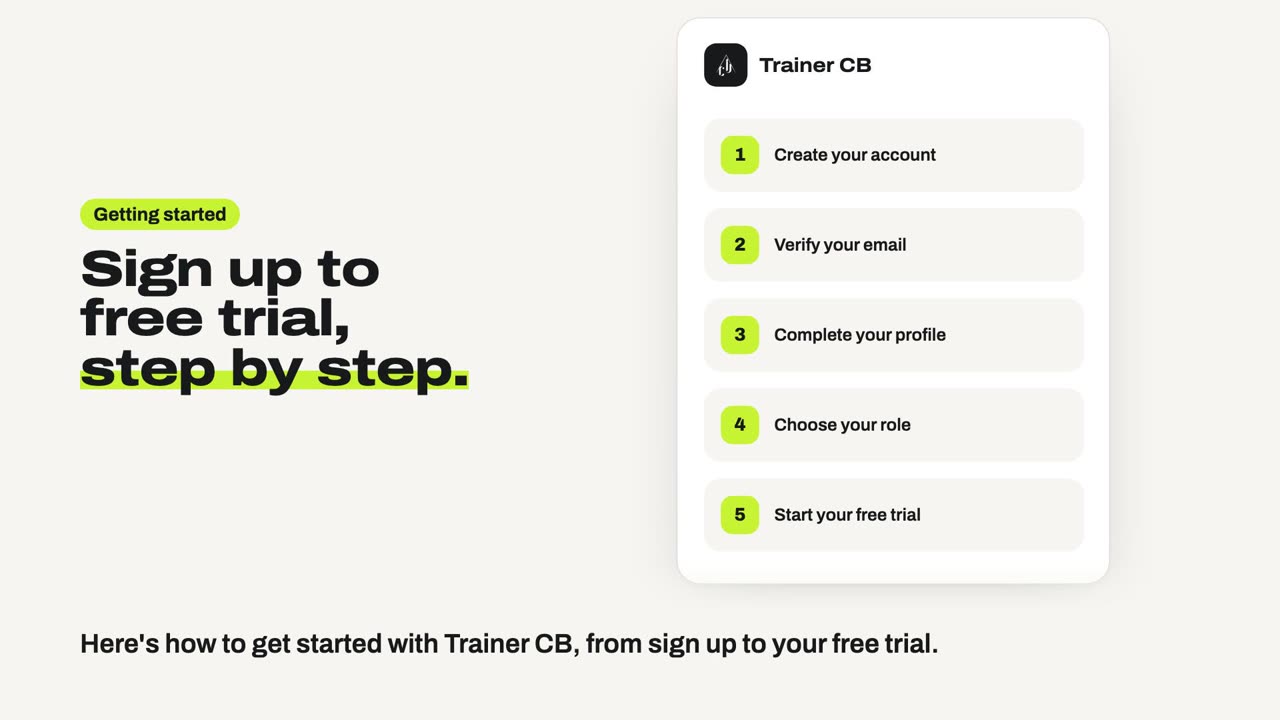 Getting started · 1 min videoSign up and start your free trial.Create your account, verify your email, choose your role and start a free trial.Watch the guide
Ready to try it yourself?
Create your account and start a free trial. Growth and Pro include 7 days, Agency 14 days, and the Free plan has no time limit.